Solutions
Gunshot detection you can deploy in minutes
For smartphone deployments: no cameras and no wiring. Privacy-first, on-device detection. Raw audio is never transmitted to SplitSec. Pick an industry to open a clear recommended setup and pilot plan.
Cities
Acoustic awareness for parks, residential areas, and municipal corridors.
Guard companies
Portable coverage for patrol routes, lots, and temporary posts.
Outdoor events
For smartphone deployments: gunshot awareness across flexible perimeters, no wiring and no cameras.
Campuses
Outdoor perimeter awareness for staff, responders, and administrators.
Places of worship
Outdoor coverage for entrances, parking areas, and gathering spaces before and after services.
Logistics yards
Outdoor coverage for gates, truck lanes, lots, and employee parking.
Recommended setups
Clear setup and pilot plan for each environment
Start small, validate in your environment, and expand only when the data supports it.
Cities
Parks, residential areas, municipal corridors, transit hubs
Outcomes
- Deploy flexible coverage across parks, corridors, and public gathering spaces
- Privacy-first model: on-device detection with no cameras and no raw-audio transmission to SplitSec
- Multi-device corroboration can increase confidence in a possible-gunfire detection
Pilot setup
- 1Identify pilot zonesSelect specific public areas, parks, or event corridors
- 2Deploy devices with personnelEquip city field teams, park district staff, or safety ambassadors
- 3Measure & evaluateAssess alert speed, coverage uptime, false alerts, and corroborated detections
Guard companies
Posts, patrols, client sites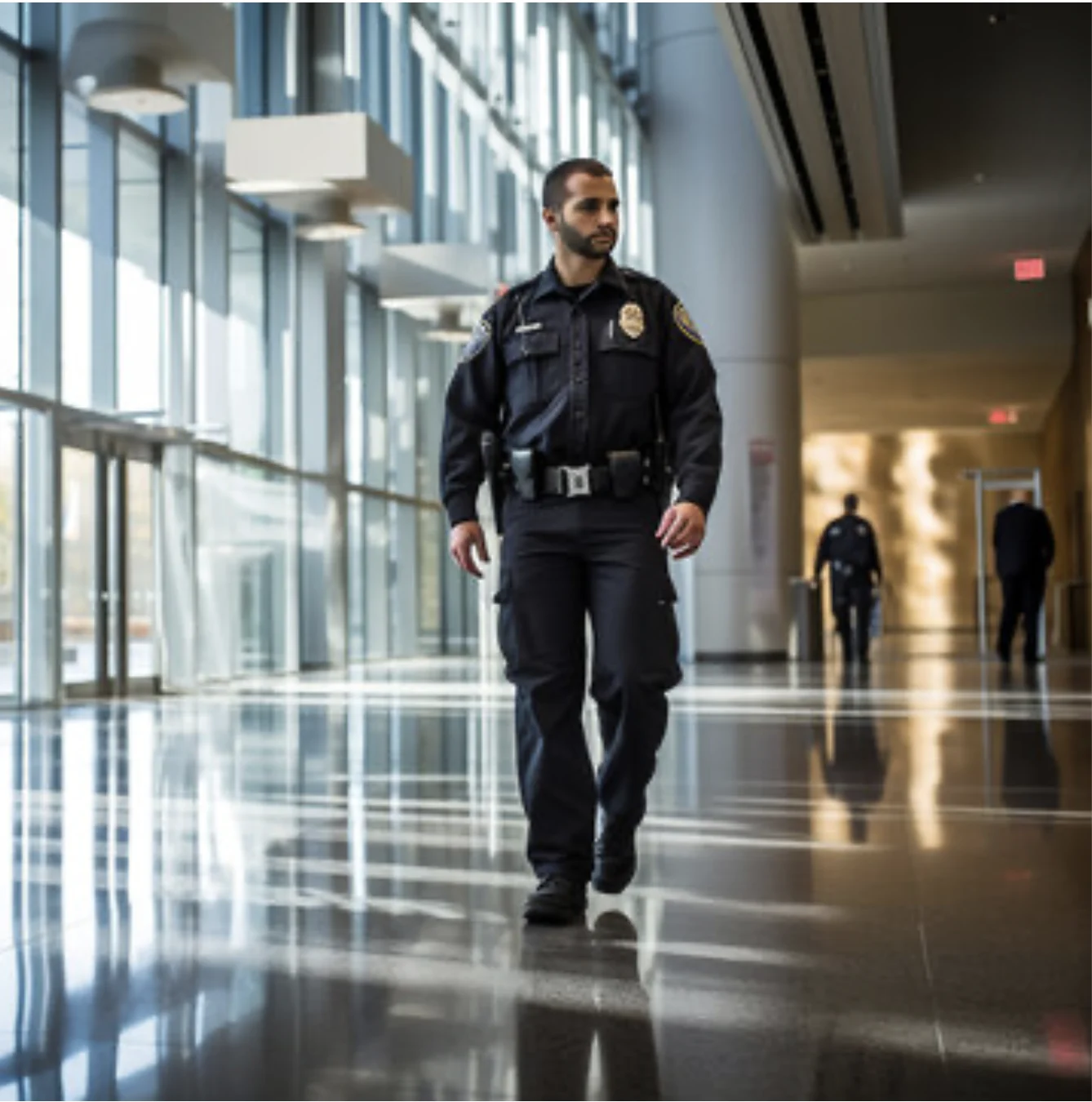
Outcomes
- For smartphone deployments: add a clear safety layer for clients without cameras or wiring
- Standardize alerts across posts and patrol routes
- Give supervisors visibility into coverage readiness
Pilot setup
- 1Pick one siteChoose posts and patrol zones to cover
- 2Deploy the kitArm coverage and assign supervisor roles
- 3Report readinessUptime, armed time, alerts, and corroborated detections
Outdoor events
Festivals, parades, fairs
Outcomes
- Deploy coverage fast and move it as the perimeter changes
- Build confidence with corroboration across multiple devices
- Share a simple readiness report after the event
Pilot setup
- 1Place phones with security personnelEntry, stage, dense areas, command post
- 2Assign rolesEvent admin, security lead, key staff
- 3Run and reviewalerts and corroborated detections, then export the pilot summary
Campuses
Districts, campuses
Outcomes
- Start with one building and expand based on real results
- Clear messaging: no cameras. Privacy-first, on-device detection. Raw audio is never transmitted to SplitSec.
- Designed to reduce certain false alerts through multi-device corroboration
Pilot setup
- 1Define pilot scopeOne building, wing, or floor
- 2Assign rolesAdmin and SRO response roles
- 3Report and decideReadiness, false alerts, and coverage gaps
Places of worship
Churches, temples, mosques
Outcomes
- Extend awareness to entrances, parking areas, and outdoor gathering spaces
- For smartphone deployments: support staff and volunteer response roles without cameras or wiring
- Start with one campus area and expand after a measured pilot
Pilot setup
- 1Assign staff to carry SplitSec phones in key outdoor zonesMain entrances, parking lots, drop off lanes, fellowship areas
- 2Assign response rolesOperations lead, security volunteer, facilities manager
- 3Review and refineTrack coverage, false alerts, and response readiness across service times
Logistics yards
Loading areas, parking lots, vehicle entrances, storage areas, and outdoor facility perimeters.
Outcomes
- Privacy-first, on-device detection. Raw audio is never transmitted to SplitSec.
- Role based escalation for security and operations leadership
- Operational reporting focused on device health and perimeter readiness
Pilot setup
- 1Place phones with staff in key areasGatehouse, loading docks, truck lanes, yard perimeter, employee parking
- 2Assign response rolesSecurity, shift supervisor, operations manager
- 3Validate in contextMeasure uptime and false alerts in your industrial noise profile
Pilot
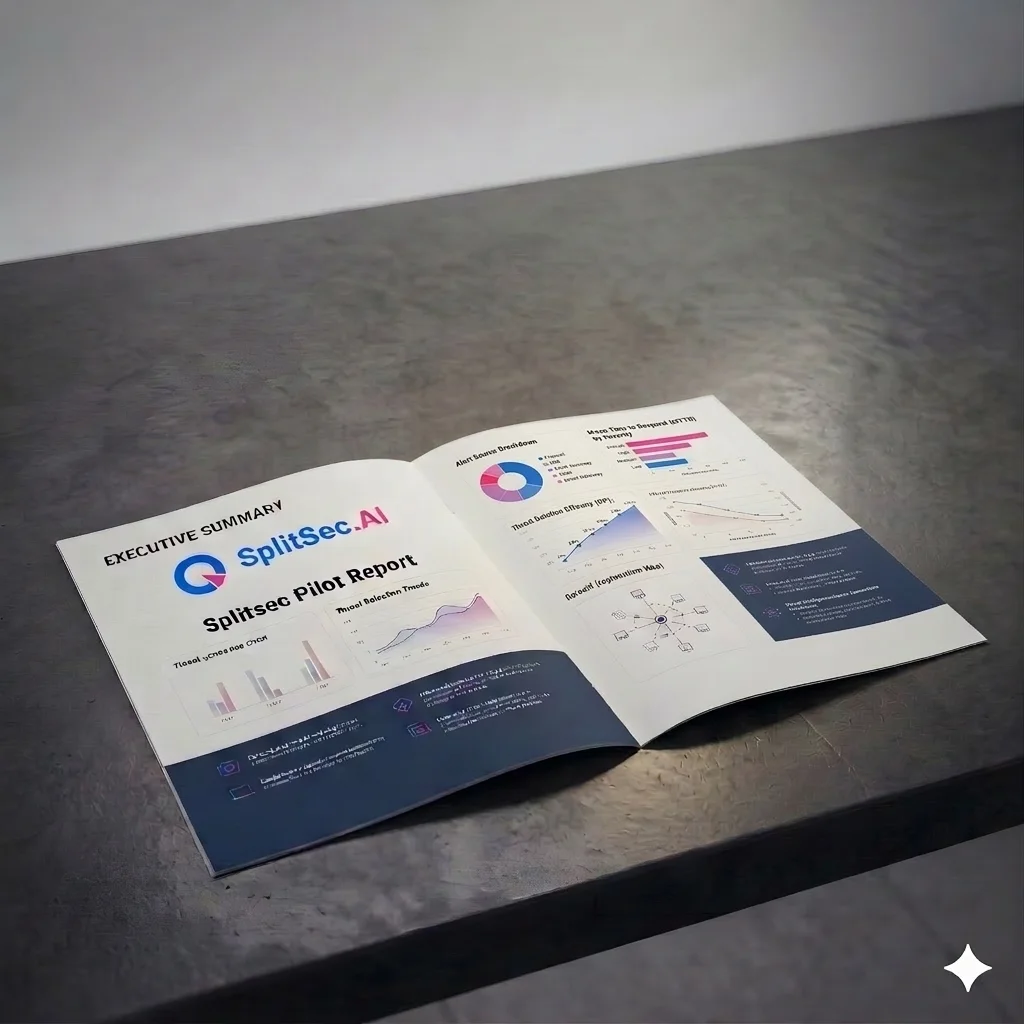
What we measure
Simple numbers that help you decide. Deploy, measure, scale.
Pilot report snapshot