1
Download SplitSec
Install the Android app and follow the guided setup. The iPhone receiving app is coming soon.
Chicago community safety pilots
Join a SplitSec community pilot and use your smartphone to help detect possible gunfire, receive nearby safety alerts, and stay connected with the people you care about. Privacy-first. Runs on Android phones.
How the pilot works
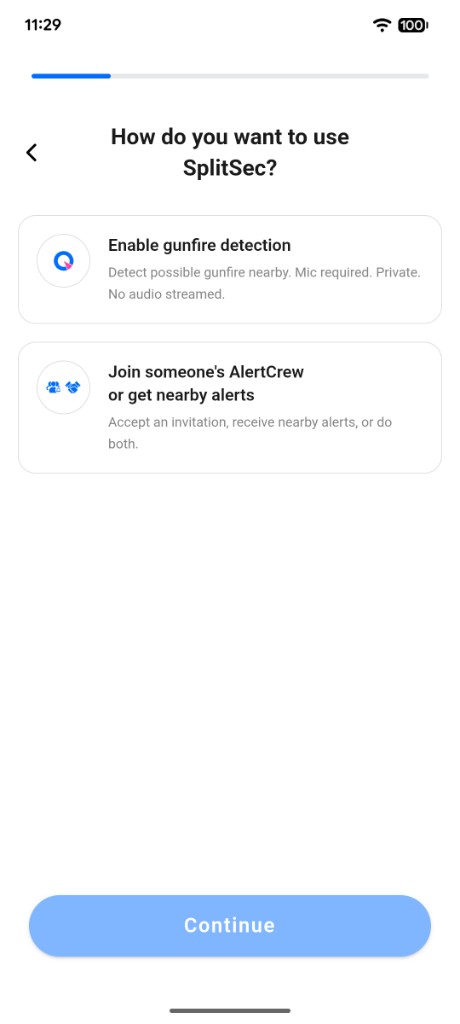
You choose how you want to participate. Enable detection, receive nearby alerts, build an AlertCrew, or do all three.
Install the Android app and follow the guided setup. The iPhone receiving app is coming soon.
Enable gunfire detection, nearby safety alerts, or both, based on how you want to participate.
Add family, friends, or neighbors so the people you trust can be notified when you confirm an alert.
Privacy first
SplitSec uses the microphone only to analyze sounds needed for possible gunfire detection. Privacy-first, on-device detection. No continuous recording or audio streaming.
The app analyzes sound locally rather than continuously sending microphone audio to the cloud.
You decide whether to enable detection and whether to confirm a possible gunfire alert.
Location helps determine whether alerts are relevant nearby and supports coordinated detection.
Create a trusted circle of family, friends, or neighbors who can receive alerts you confirm.
See confirmed nearby safety alerts without revealing a reporting user's exact location.
Each participating Android phone can help expand community awareness without new city infrastructure.
Frequently asked questions
Microphone access allows the app to analyze sounds for patterns associated with possible gunfire. Privacy-first, on-device detection. No continuous recording or audio streaming.
Download SplitSec, choose how you want to participate, and invite the people you care about to your AlertCrew.
Download SplitSec for Android